


Make it unique, Automate it 🔥
Automate volume, pan, or mute to define input/output and FX movement. Achieve distinct transitions without changing presets.
Bonus tip: automate only the word or phrase, not the entire track. ✅
Toggle on and off to hear the difference. Effects have been exaggerated for comparison purposes only.
FX: FORMANT -4 + DISTORTION | AD-LIBS / TRANSITIONS
SFX: THROW | SPACE / TRANSITIONS / MOOD
FX TRAP DISTORTION | AD-LIBS / EMPHASIS / ENERGY
To add movement to your vocals without creating chains from scratch.
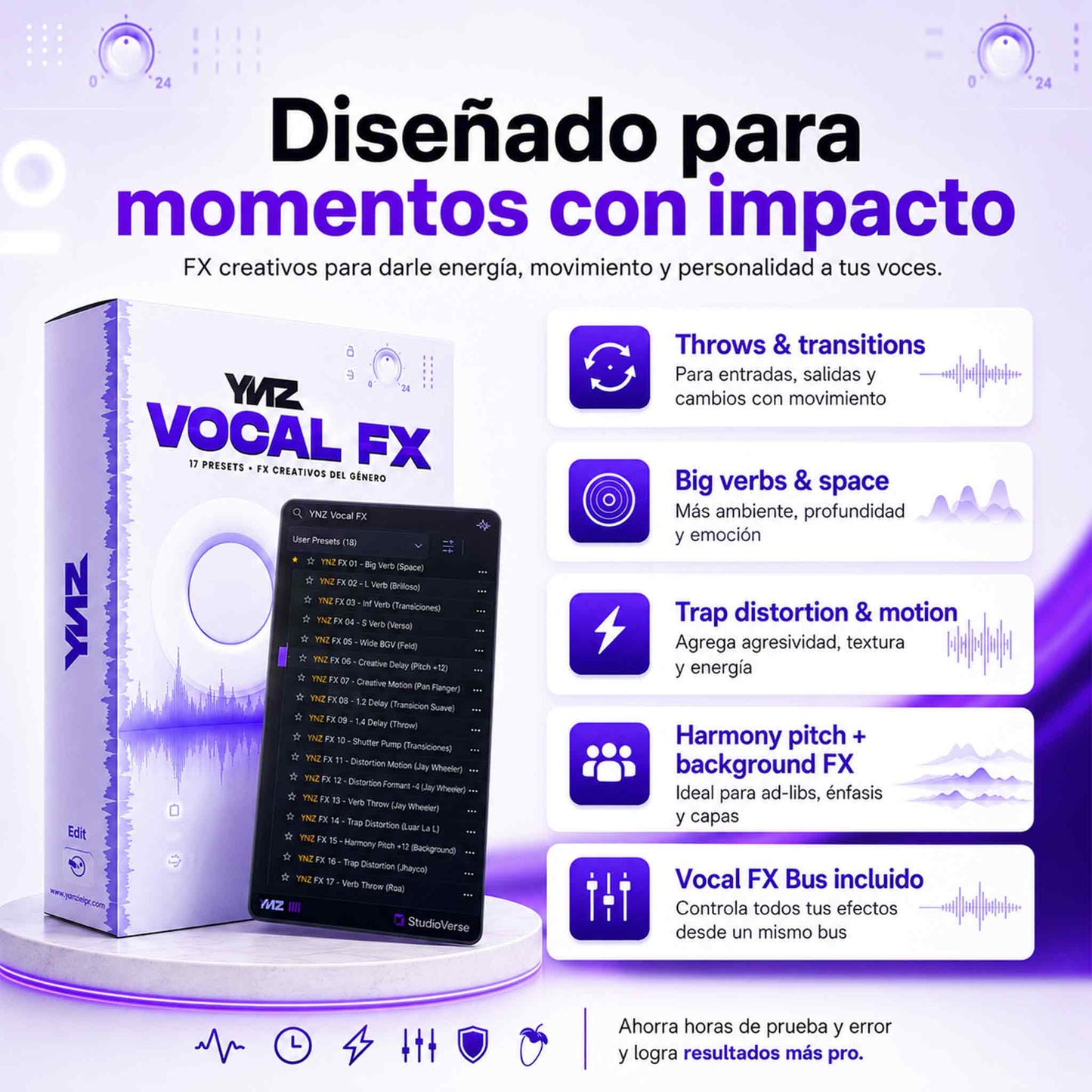
Throws, delays, distortion, formant, space, transitions, and FX for key moments.
A ready-to-use preset to organize and control your vocal effects within the mix.
Load the presets, copy the phrase, and start creating movement in seconds.
YNZ VOCAL FX
YNZ Vocal FX is designed to help you work fast without breaking your creative flow. You load the preset, choose the phrase, and apply the effect at the exact moment.
Same effects. Different speed.
To apply effects in any session, whenever you need them.
Open and ready: named channels, routing ready, everything organized.
Automate volume, pan, or mute to define input/output and FX movement. Achieve distinct transitions without changing presets.
Bonus tip: automate only the word or phrase, not the entire track. ✅
Quick answers before downloading YNZ Vocal FX.
No. YNZ Vocal FX is not a standalone plugin. It is a package of vocal presets and effects designed for use within Waves StudioVerse. You need to load the presets within StudioVerse to use them correctly.
You need to have Waves StudioVerse, a compatible DAW, and the required plugins installed for the chains to sound like they do in the demos. This product is designed to speed up your vocal mixing workflow, but it does not replace the necessary plugins.
No. YNZ Vocal FX does not include Waves, Soundtoys, Valhalla, FabFilter, or any third-party plugins. You receive the presets, chains, files, and/or template depending on the version you purchase. The plugins must be installed on your system.
Yes. It can work in any DAW where you can correctly load Waves StudioVerse. If your DAW allows you to use StudioVerse, you will be able to load the presets. For the Presets + Template version, make sure to choose the correct version for your DAW.
If you already have your own template and just want to add vocal FX to your workflow, choose Presets Only.
If you want to work faster with channels, routing, and FX organized within a ready-to-use session, choose Presets + Template.
You receive the digital download after completing your purchase. Access is instant so you can download the files and start using them in your compatible DAW.
You will not be able to load the presets correctly. YNZ Vocal FX was created for Waves StudioVerse, so you need to have it installed before using the product. This product does not work as a standalone plugin.
If you have problems loading the presets or using the files, you can contact us with your order number and we will help you verify the installation, compatibility, and basic steps to use YNZ Vocal FX correctly.